
The audience takes the photo, leaves a message and becomes the event wall.
The operator records it all right there and the photo goes to the big screen at once, with the brand's identity. It has already filled the LED panel of a leadership meeting.
The T3i Wall puts the people in the room on the big screen. They see themselves large, read their own line, call a colleague over and reach for the phone. Whoever is passing by stops, reads and wants to show up too.
The photo enters in the spotlight, alone, filling the screen. It is their moment at the event.
After the spotlight, the photo joins the wall next to everyone who came before. The screen keeps renewing itself.
The question is the brand's, the answer is the audience's. What people say becomes content and becomes data.
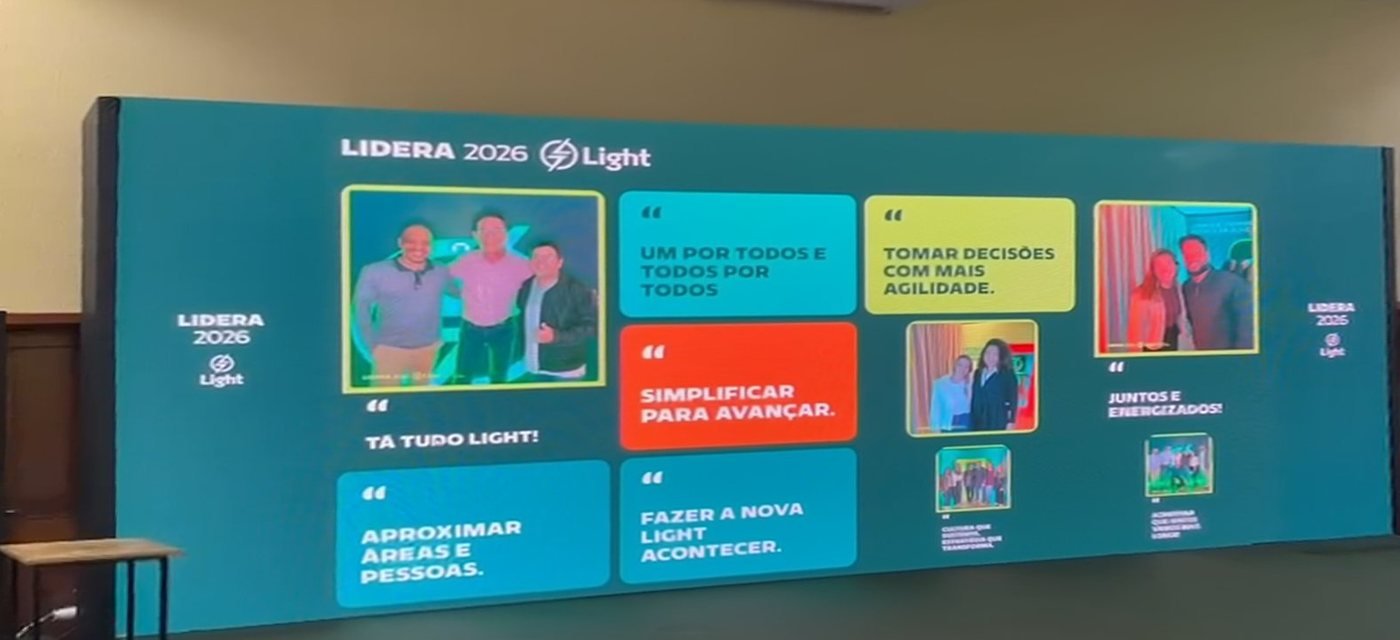
At Light's leadership meeting, the wall took over the stage panel. Each photo came in with the event frame and the person's line. Between them, the campaign's phrases, in the brand's official colors.
The crew moves around with a phone in hand and goes to where the audience is. People just need to pose and speak.
Vertical or square, with or without the brand's frame. The portrait is taken right there, with its own light.
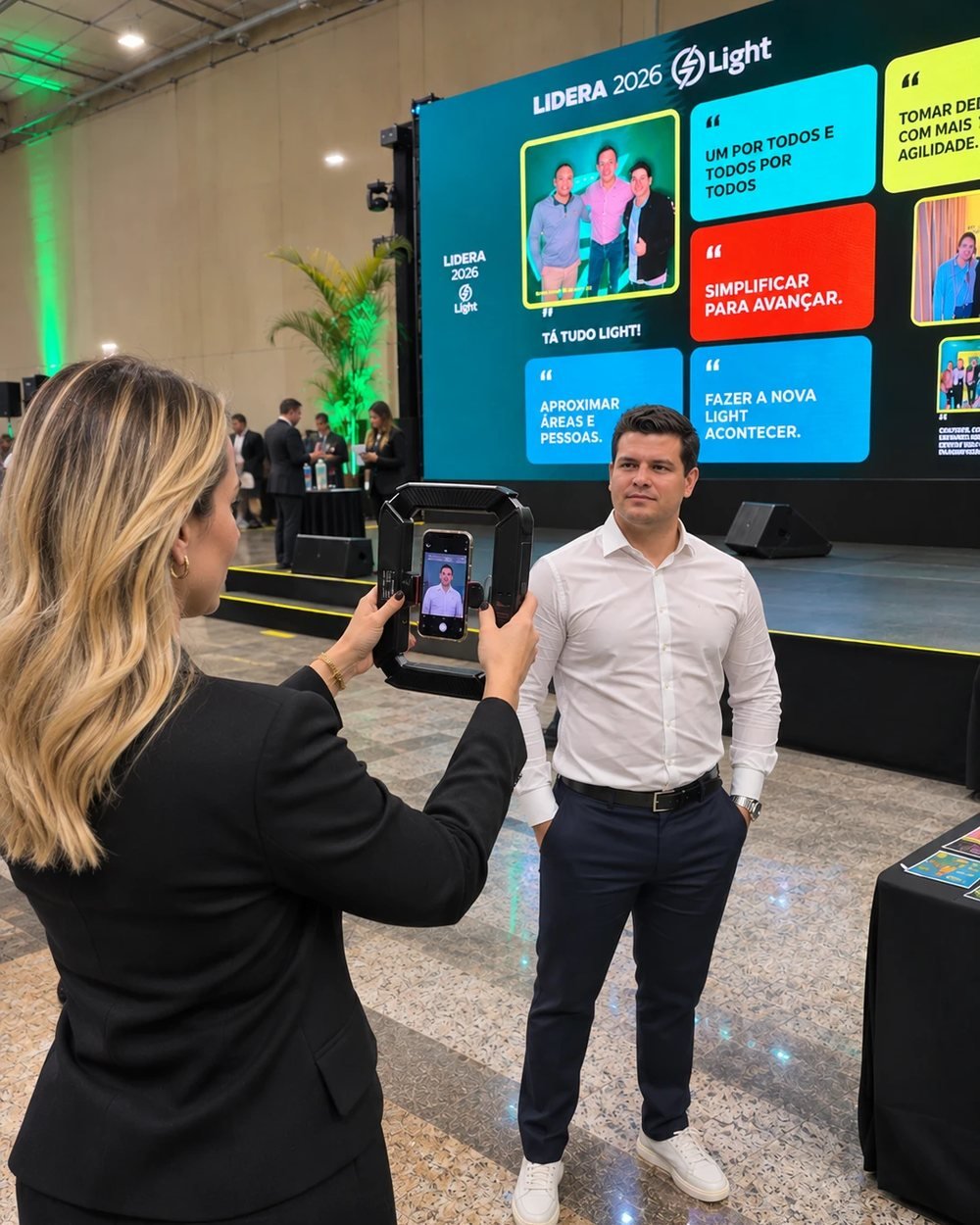
A dream, a note, the answer to the campaign's question. The operator writes down the name and the line while they talk.
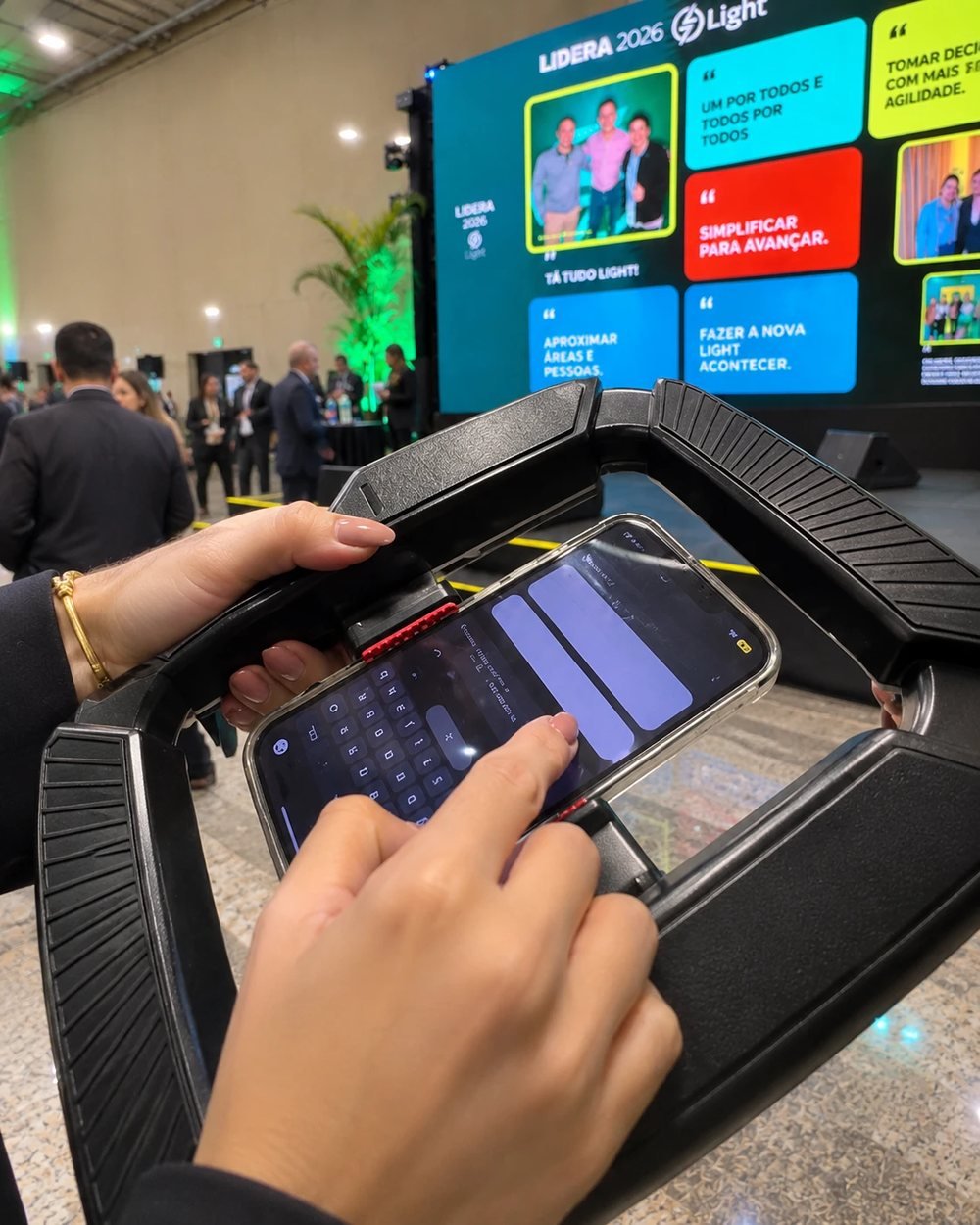
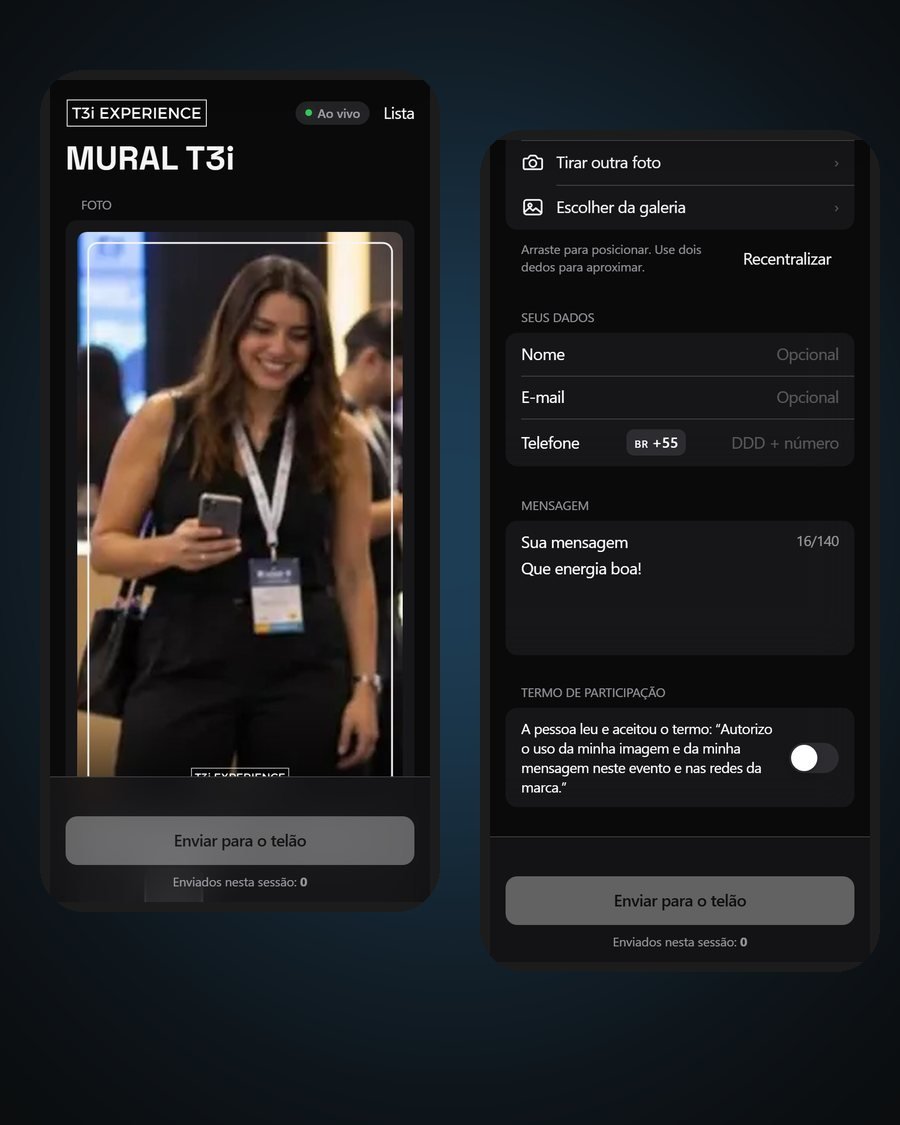
Name, phone, email or whatever field the brand wants, with the image release accepted on the spot. One tap and it goes to the big screen.
The photo appears large, with the line, and then takes its place next to the others. There is time to see it, laugh and film.
Logo, title, colors, fonts, frames and the pace of the screen belong to the brand. Below, real screens of the system with illustrative photos.
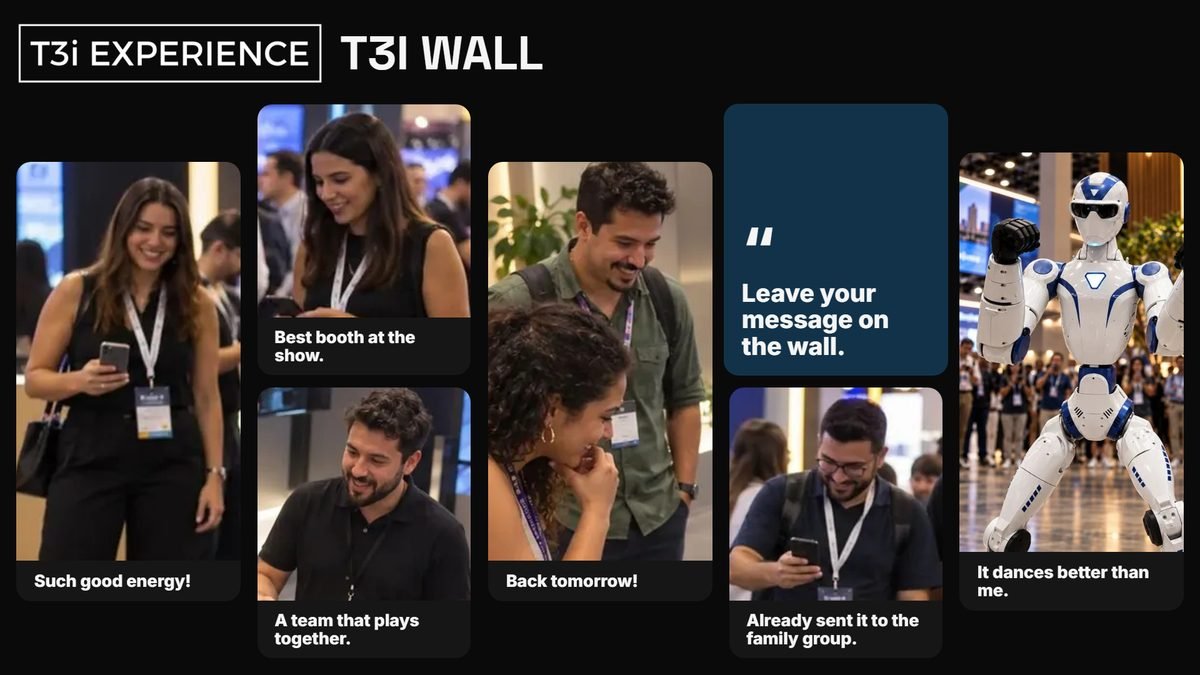
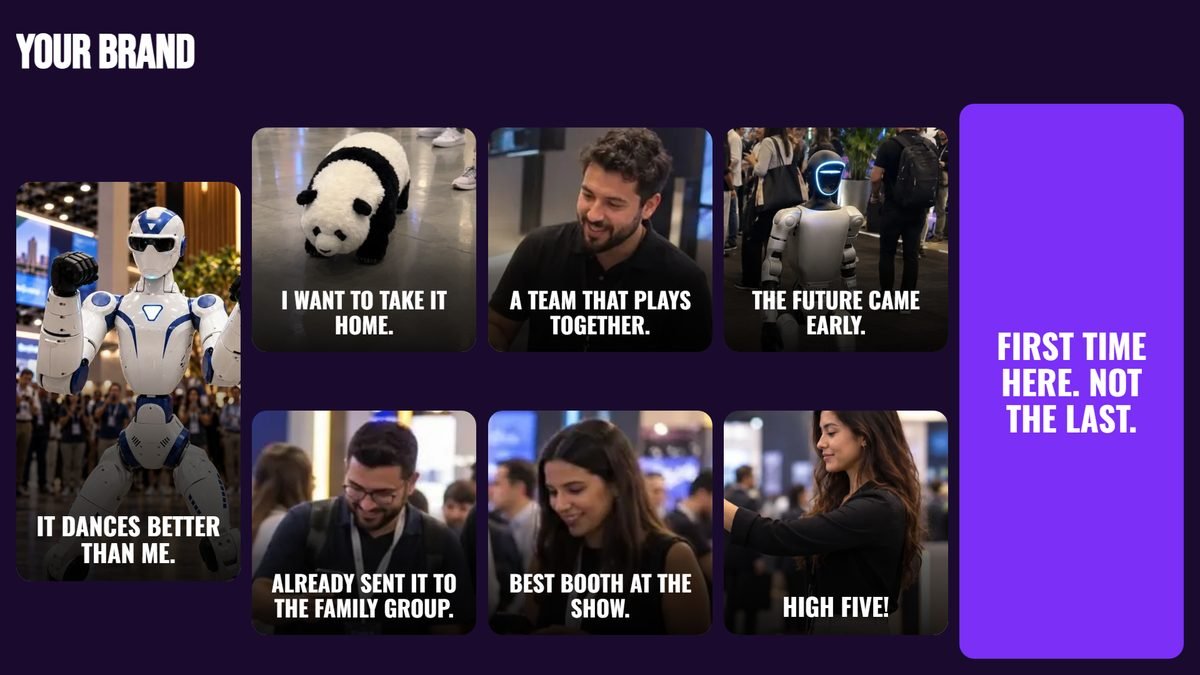
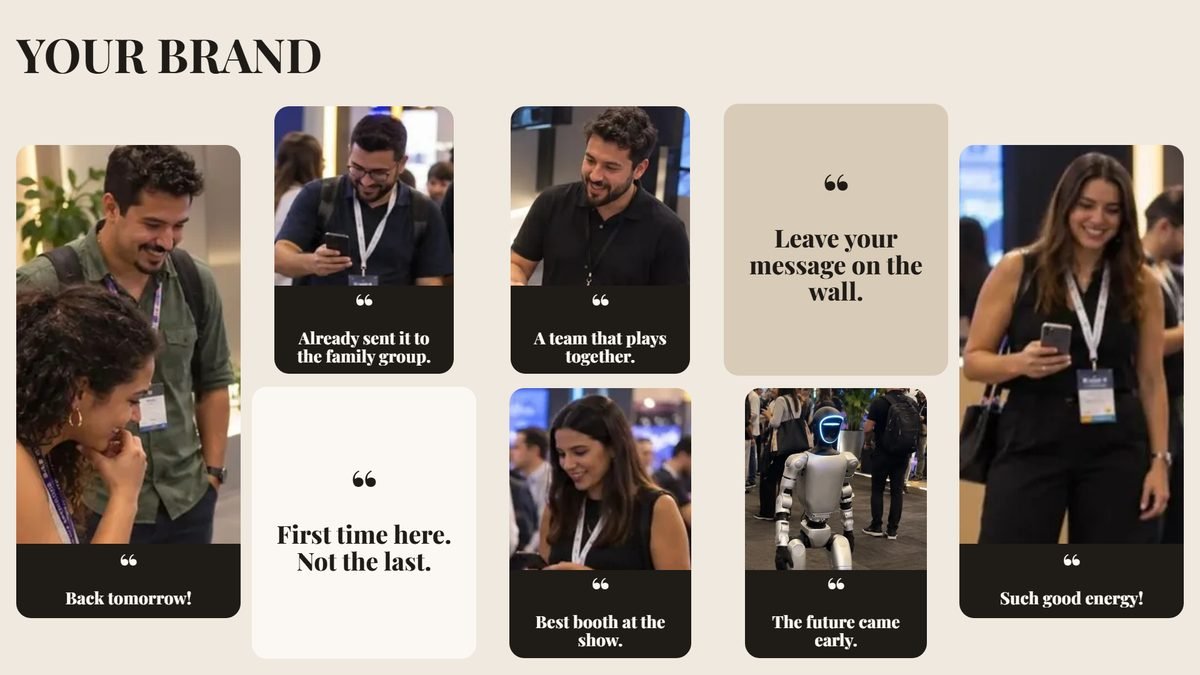
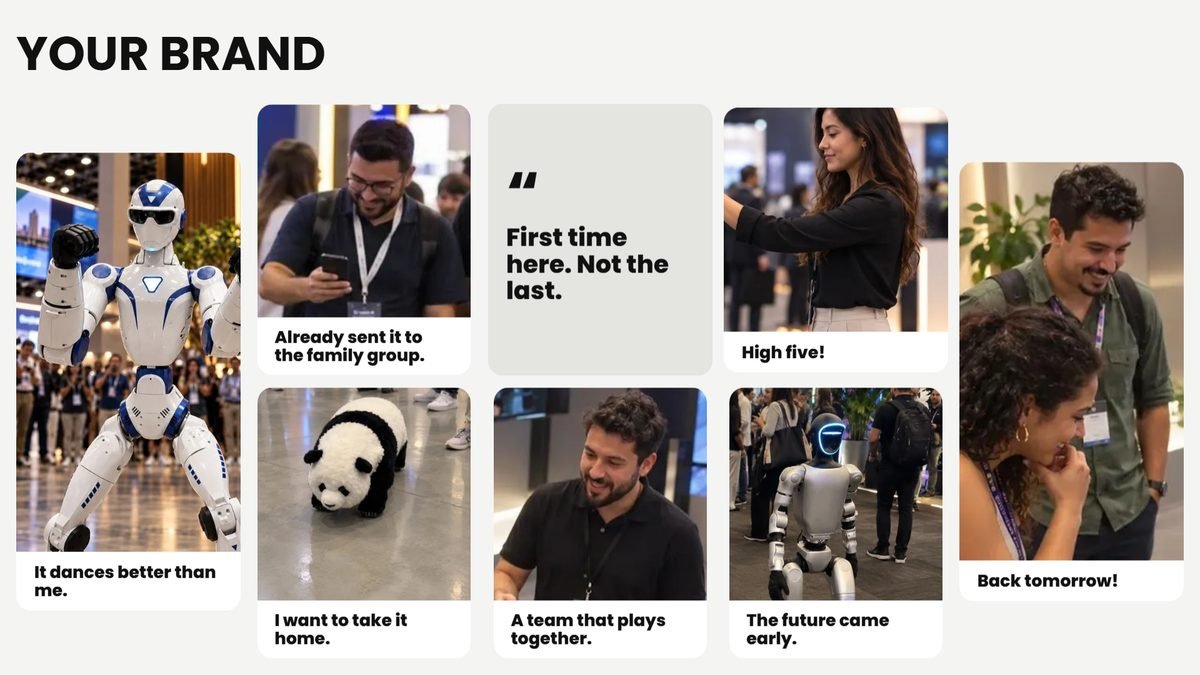
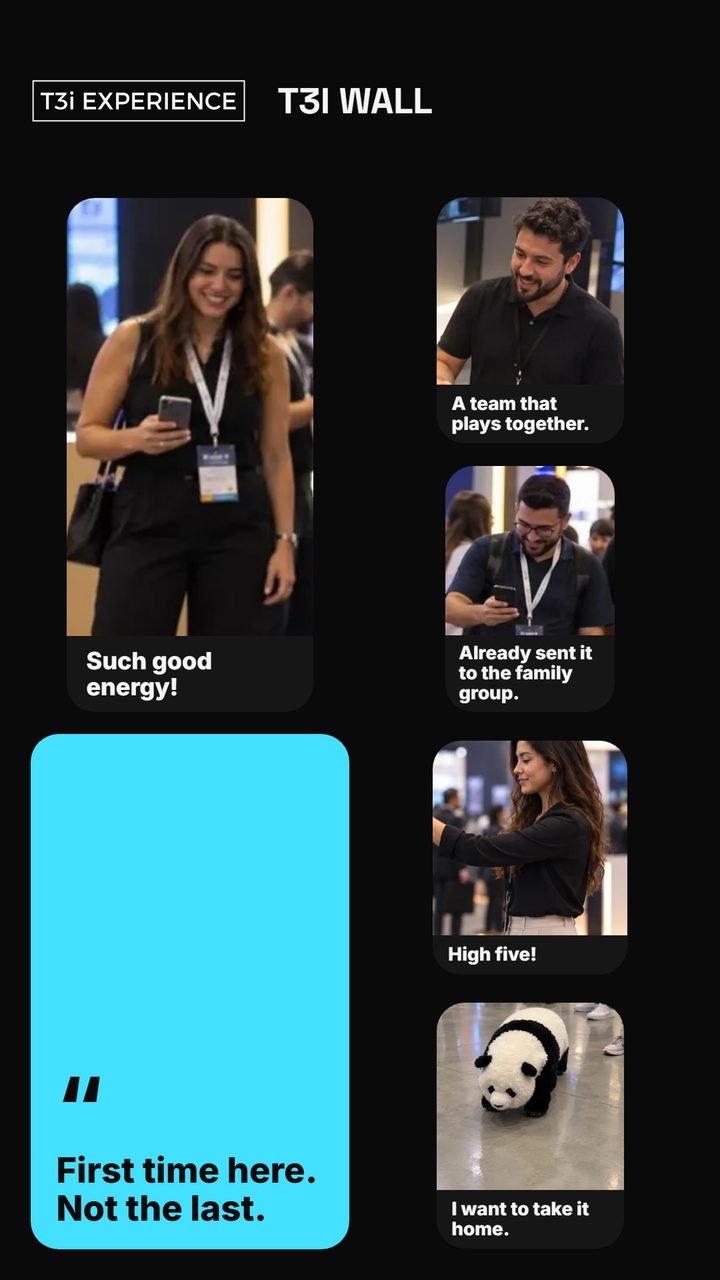
The stage LED panel, the booth TV, a standing totem or a projector on the wall. The grid is drawn for the screen size, and each photo enters in the format it was taken.
The system is T3i's and runs on the event's own network. The wall stays on even when the venue's internet is crowded.
While the wall runs, the crew follows the submissions live and takes care of what goes on screen.
Each contact comes with the photo, the line and the consent. The brand knows who it talked to and what the person said.
The crew can approve each submission, fix the text, spotlight a message and block words set by the brand.
The raffle runs on the big screen itself, among those who took part, with the rules the campaign sets.
Participation, peak times, most used words and the authorized photos, in a document with the brand's look.
The mechanics are simple and change mood with the event. What changes is the question.
Each person says what they take away, and the whole team appears side by side on the plenary screen.
The screen changes all the time and shows people. Passers-by recognize someone and stop.
Notes for those receiving the award, going live between one announcement and the next.
A photo with the group, the line of the year and the whole team on the big screen until the last song.
System, capture and operation come from T3i. The question, the identity and the sign-up fields come from your briefing.
Each participant takes the photo home and adds a sticker to the brand's collective artwork.
The handwritten message appears floating in the air, in a video ready to post.
The guest answers, poses and leaves with their own movie poster, printed at the event.
T3i prepares the wall with the brand's identity, brings the capture and the crew and takes care of the operation from start to finish. Message us on WhatsApp with the date and the audience size.